Free shipping on orders of 40€ or more

30-day postage paid returns

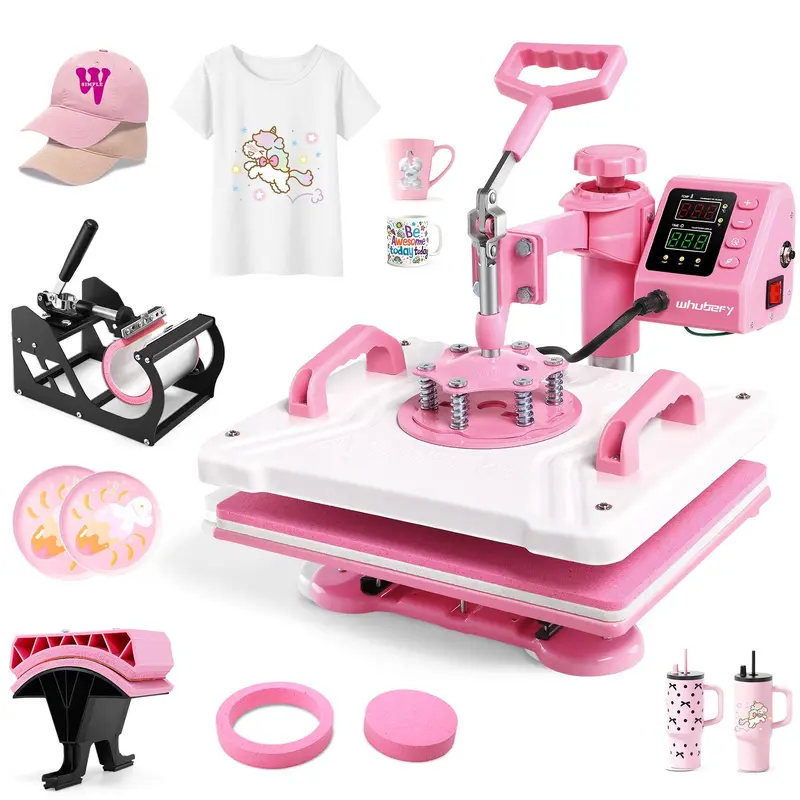
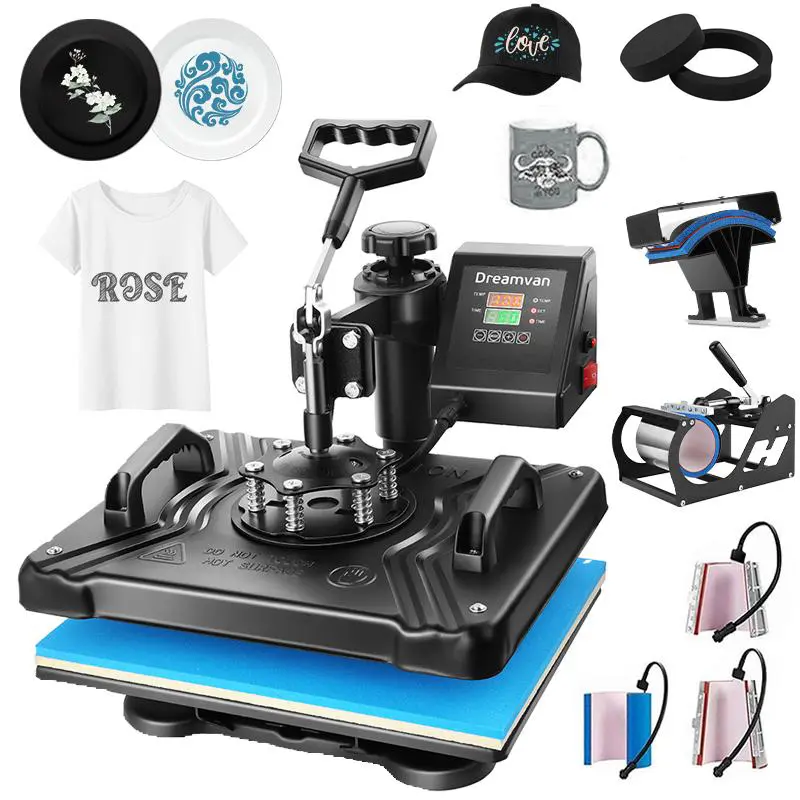
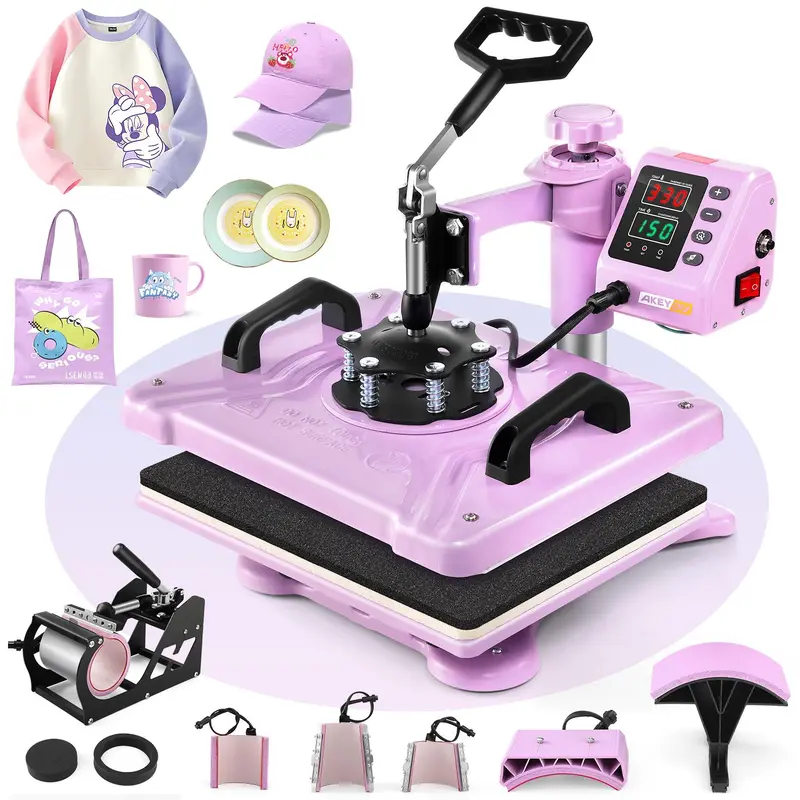
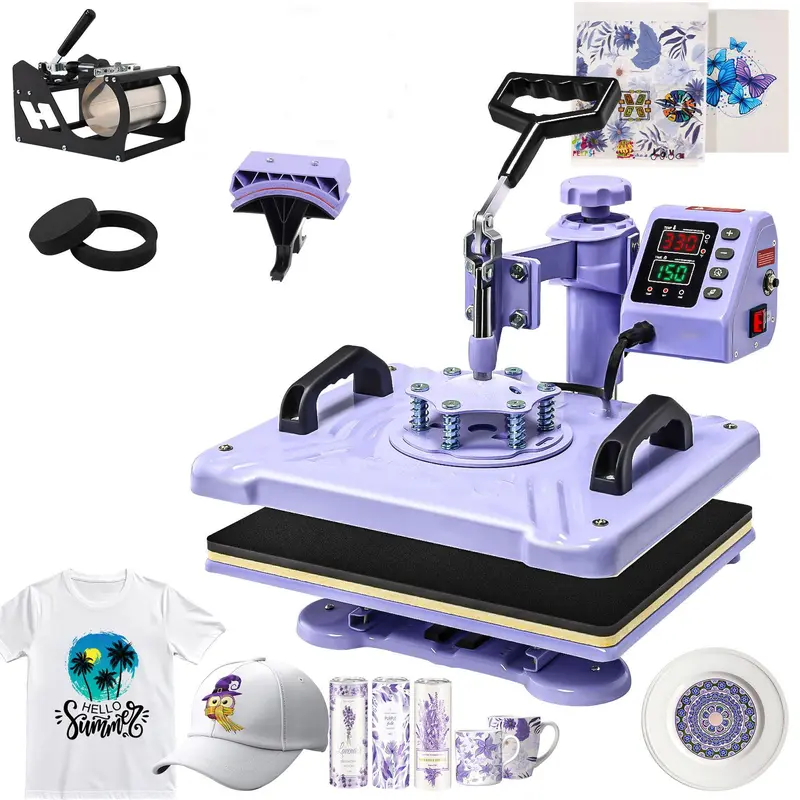
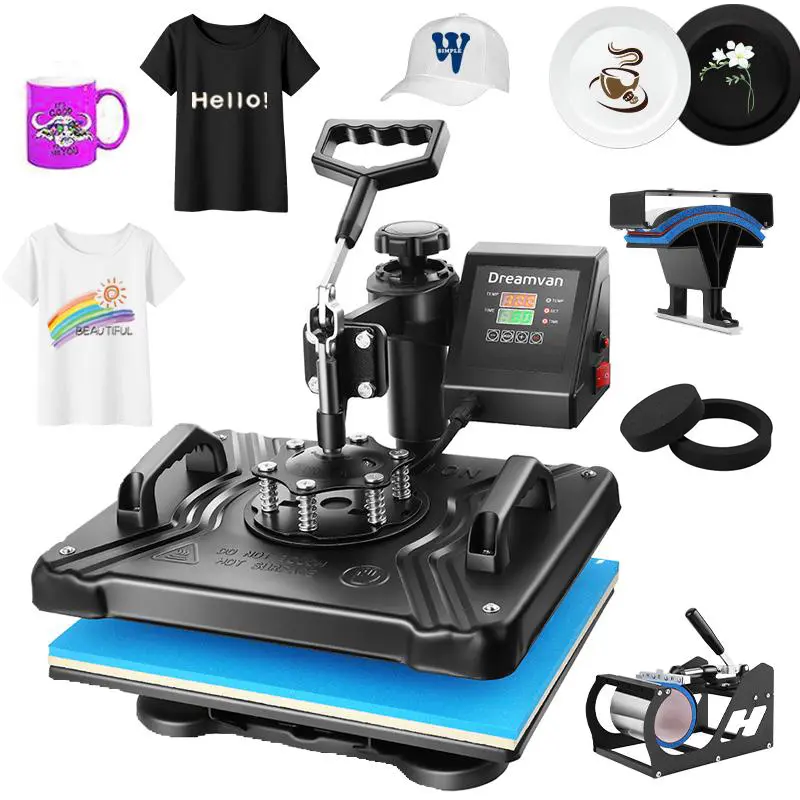
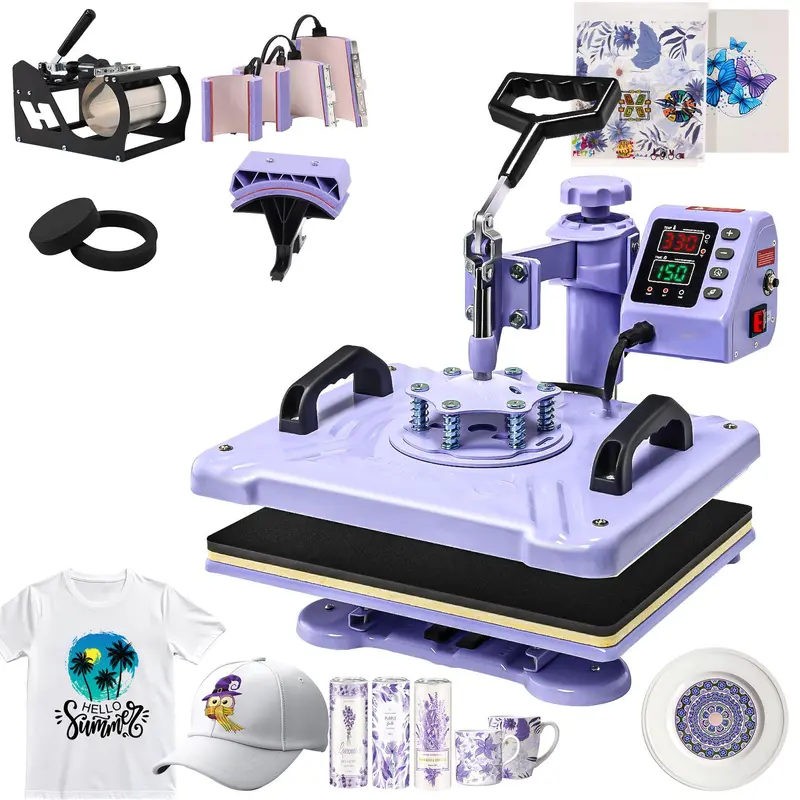
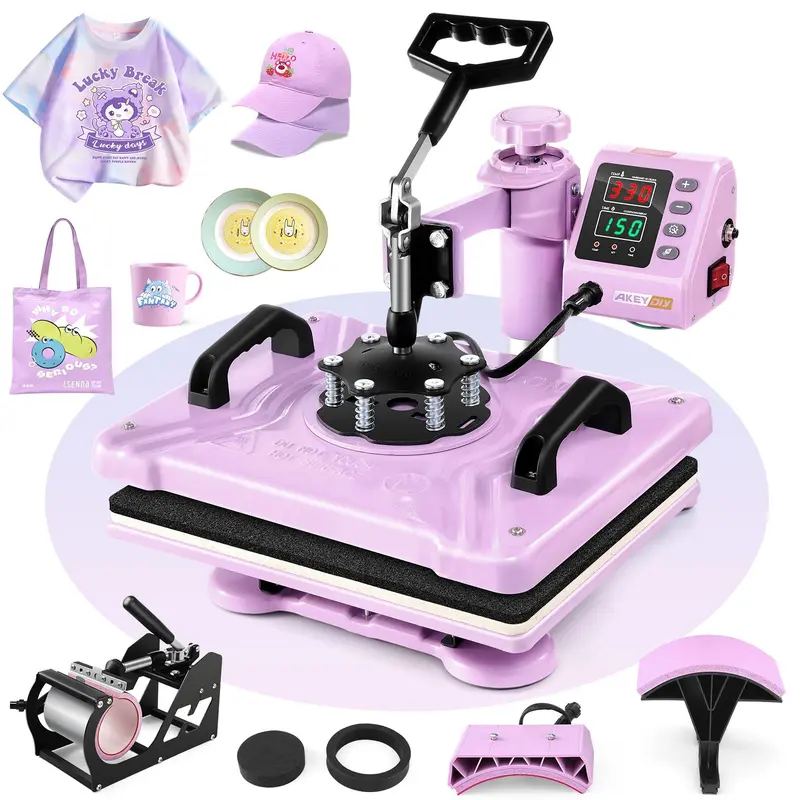
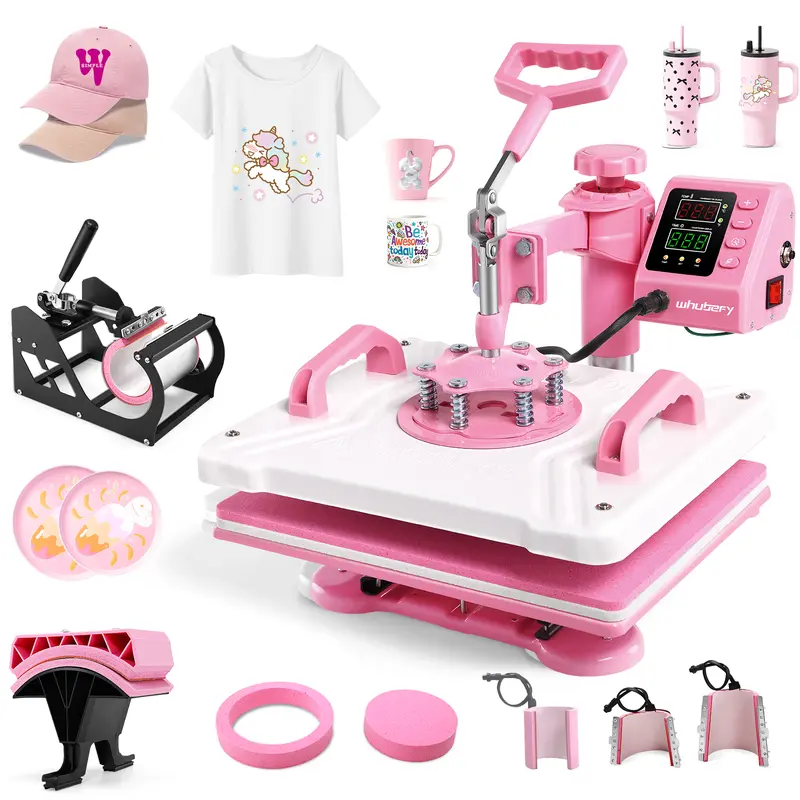
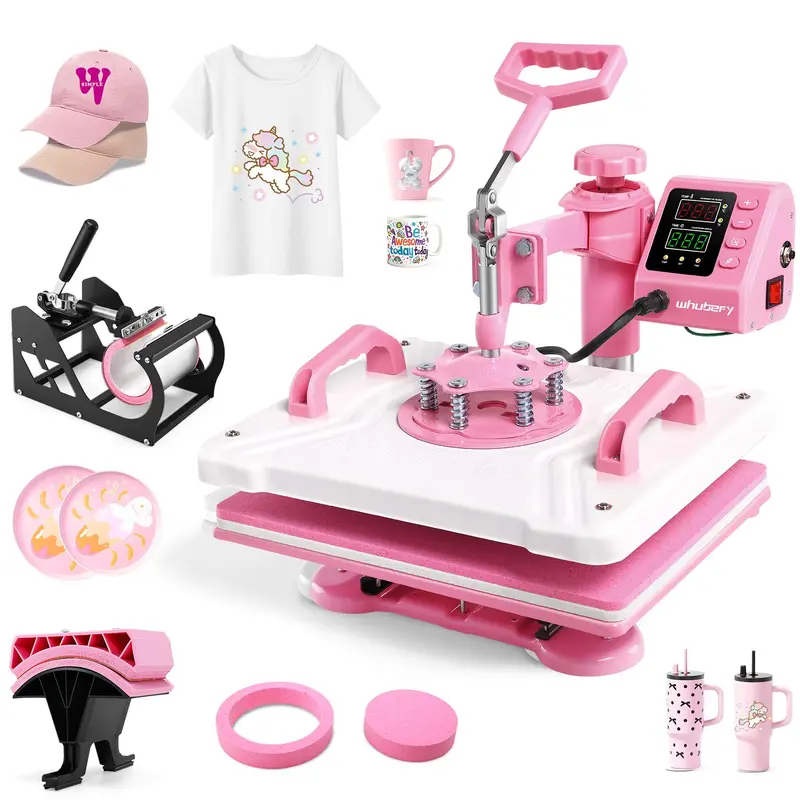
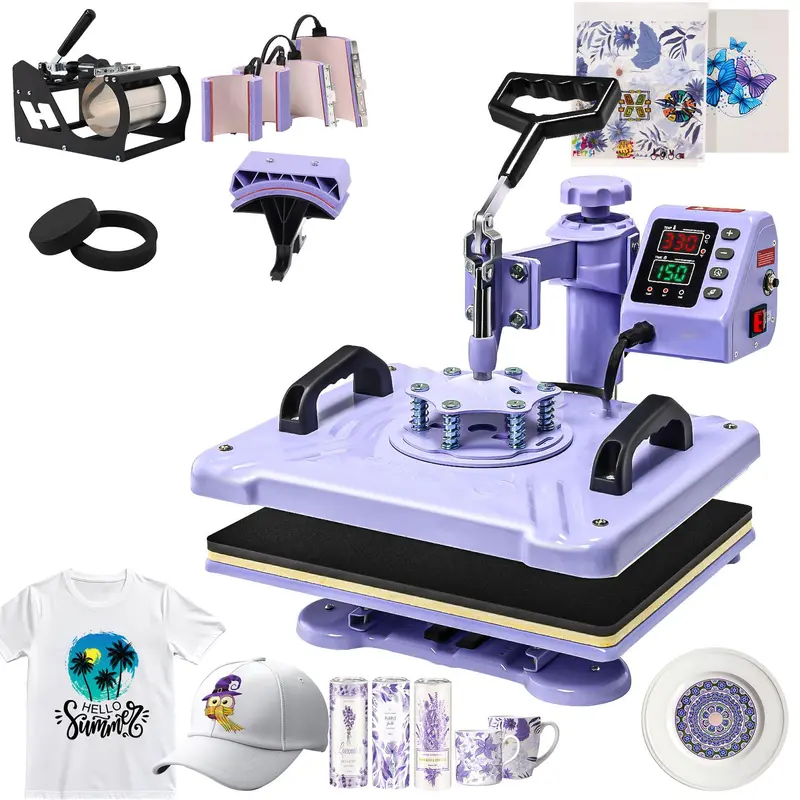
15''x12'' 5-in-1 Heat Press Machine for T-Shirts & Mugs with 360° Swing Away

€39,90 EUR
Color
  • Free worldwide shipping

  • Free returns

  • Carbon neutral

  • Secure payments


360° rotation heat press

Press it.
Heat it. Peel it.

A single machine that swaps a plate for a mug, a cap or a curved disc — rotate the heating platen to clear your work, lower the handle, and walk away.

360° rotation LCD digital 450°F max 999 s timer °F · °C
 
5-in-1 · all plates shownFig. 00
360°rot
Platen swing
450°F
Max temperature
999s
Max timer
5-in-1
Accessories

The whole ritual

One machine.
Five surfaces.
One dial.

Divert shirts, mugs, caps, round and curved platters without swapping machines. Set the temperature, press start, rotate the platen away — the machine handles the heat, the timer handles the minutes, you handle the creativity.

TemperatureMax 450°F / 232°C
TimerMax 999 seconds
Units°F · °C switchable
Rotation360° swing-away platen
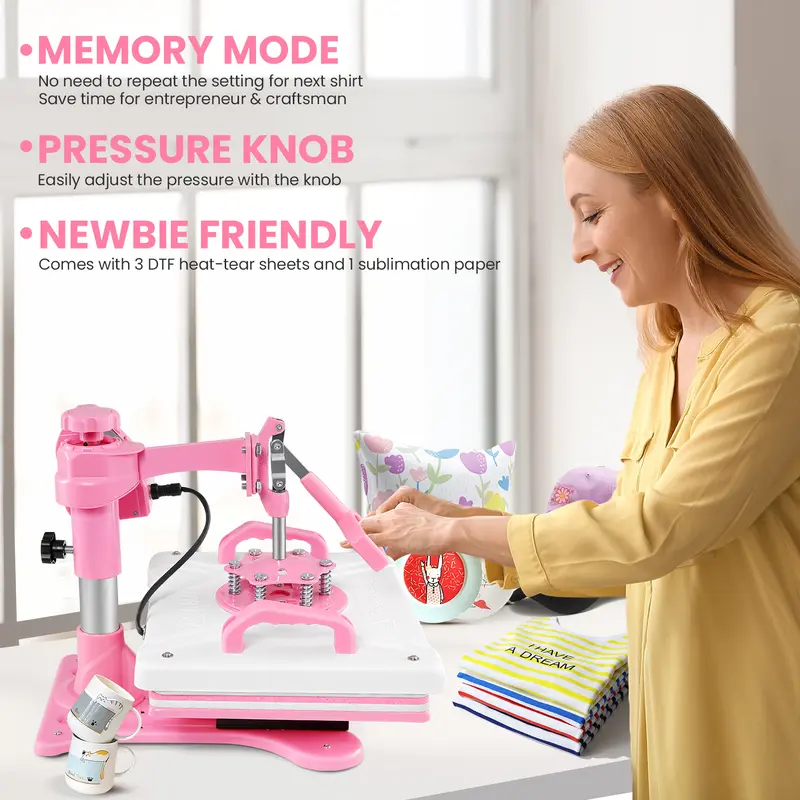
PressureTop-mounted knob dial
SafetyRed side reset button

01 — 360° rotation

Swing it clear.
Work hands-free.

The heating platen rotates a full 360° and swings away from your workspace — no more leaning over a hot surface to reposition your substrate. Rotate it back, press down, and you're cooking again.

  • Rotates completely.Swing it out, set your piece, swing it back.No more awkward reaches over a hot plate.
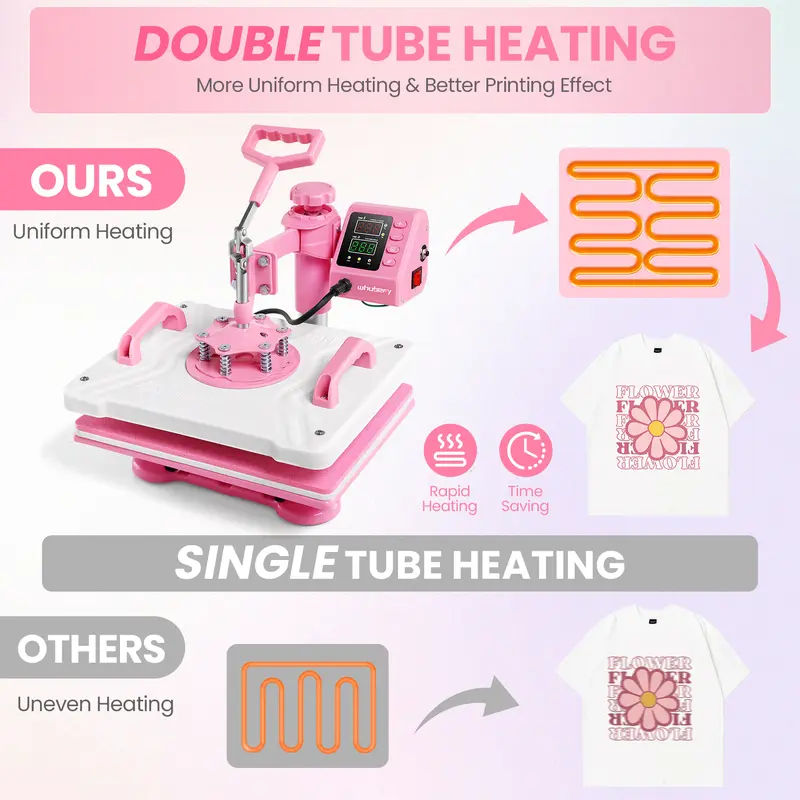
  • Anti-burn designThe plastic shell is heat-insulated — the body stays cool while the plate heats to 450°F.
  • Press with confidenceAlign the bottom plate with the top plate before you press — no crooked transfers, no wasted sheets.
360° swing-away platenFig. 01

02 — Digital LCD control

Dial it in.
°F or °C.

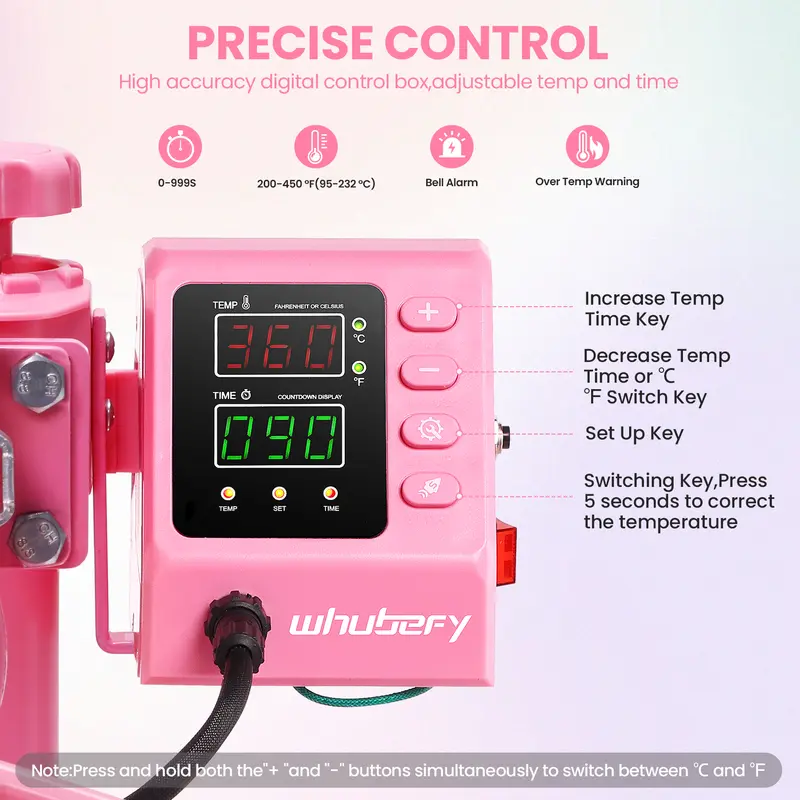
Digital LCD gives you precise temperature and time down to the degree and the second. Pick your unit, set your minutes, and the machine beeps the moment it's done.

  • 450°F / 232°C maxHot enough for the trickiest transfer papers, accurate enough to avoid scorching.
  • 999-second countdownFrom 5 second test presses to 16 minute production runs — the LCD counts down, beeps, and stops.
  • Flip between °F and °COne button switches the display — no guesswork, no foreign conversions mid-run.
LCD controllerFig. 02

Just four steps

Power on.
Press start.
Walk away.

From cold machine to finished print — four deliberate movements, no guessing, no redoing.

01

Set the dials

Choose the right temperature, time and pressure for your transfer paper and substrate.

02

Rotate & align

Swing the heating platen aside, place your substrate on the bottom plate, and bring the platen back to dead-center.

03

Press firmly

Push the handle all the way down — the pressure knob at the top lets you fine-tune the squeeze.

04

Swing & peel

Wait for the beep. Swing the platen away and lift your finished piece while it cools.

 
Shirts. Caps. Mugs. Plates.

Built for busy craft rooms

Five surfaces.
One machine.

Swap plates, swap substrates, swap drinks — the pressure knob and the LCD do the rest.

01 Knob-tuned pressureSpin the dial on top until the heating plate and bottom plate meet dead flat — no paper wrinkles, no half-transfer ghosting.
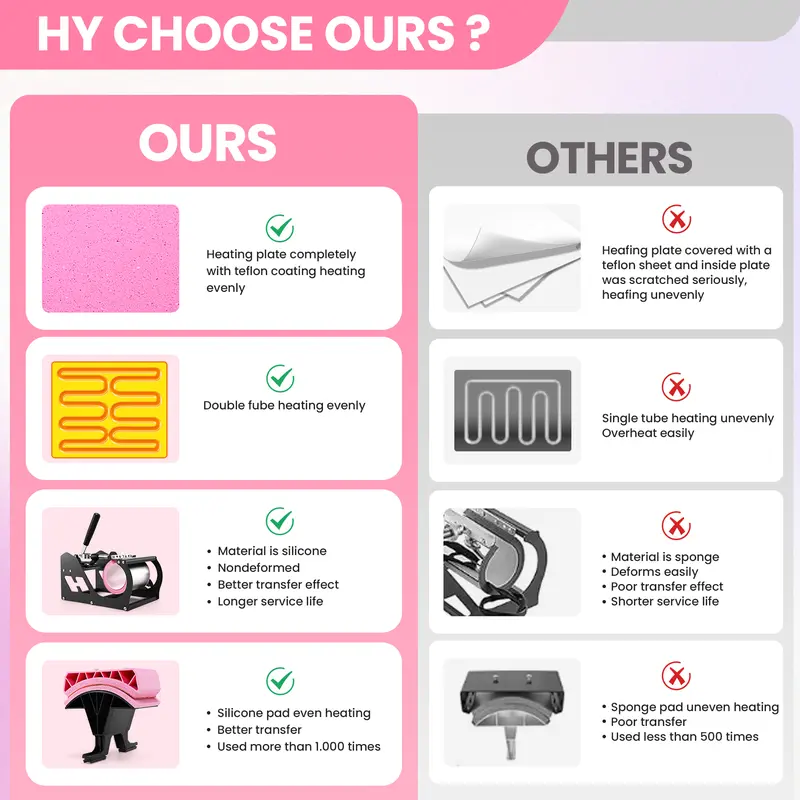
02 Silicone pad + cotton padDetachable padding so you're not stuck printing one thickness — switch pads for tees, denim or thick canvas.
03 Red safety reset buttonOn the side of the control box — pops out if the temperature overshoots or the voltage spikes. Push it back in to resume.
04 Thermal shell, cool touchThe high-temp plastic exterior keeps the body safe to handle mid-print — no accidental burns on the frame.

Specifications

On paper.

All numbers as shipped

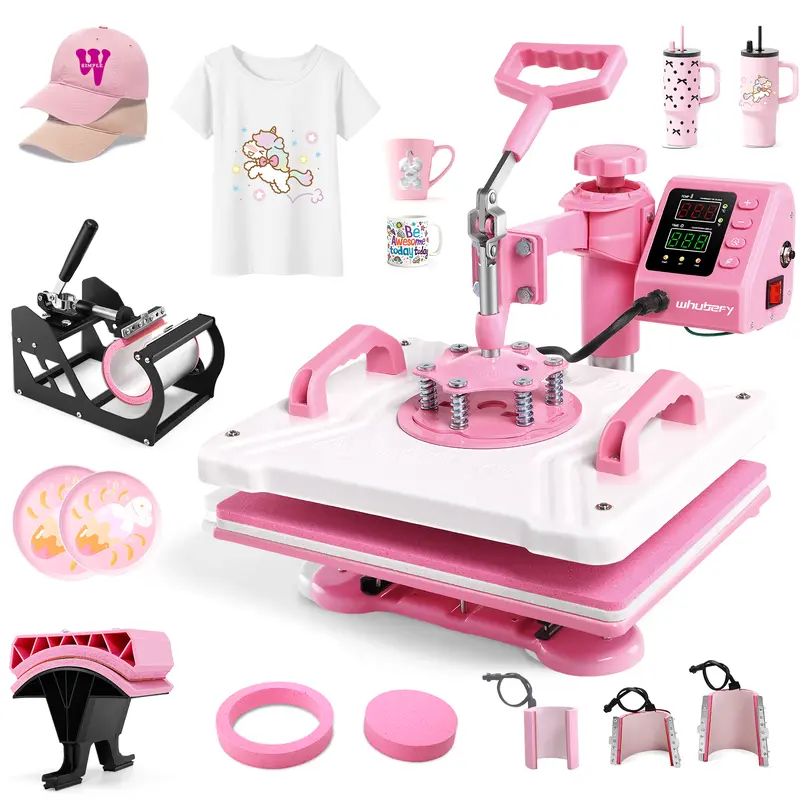
5-in-1 kitFig. 03
Rotation360° swing-away heating platen
ControlDigital LCD · °F / °C switchable
Max temperature450°F / 232°C
Timer0 – 999 seconds · beep on completion
PressureTop-mounted adjustable knob
SafetyRed side reset button · heat-insulated shell
PaddingDetachable silicone pad + cotton pad
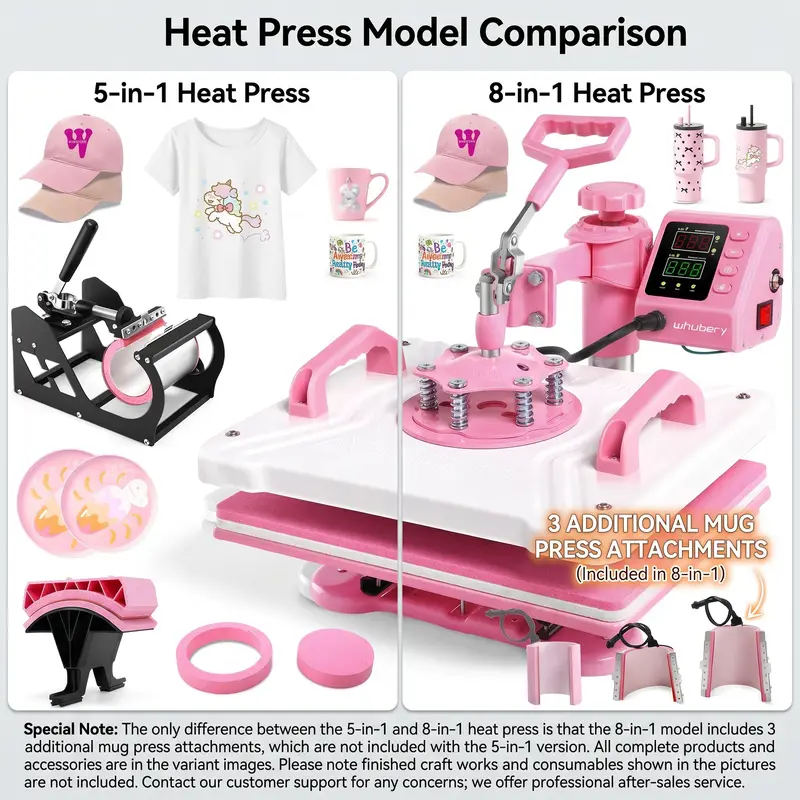
5-in-1 includedHeat press · 2 round platters · T-shirt plate · cap plate · mug plate
8-in-1 extra3 additional mug press attachments

Good to know

  • Press must sit flat on a stable surface — uneven desks give uneven pressure.
  • Wait 30 seconds after powering off before touching the platen — residual heat lingers.
  • Always release the pressure knob fully before removing your printed piece.
  • The red side button pops out to cut power when voltage or temperature gets unstable — push it back in to resume.

What you see is not always in the box

Finished crafts shown in product images — T-shirts, mugs, caps, platters and transfer papers — are for illustration only and are not included with the machine. Only the heat press and its listed accessories ship in the box.
Start a project

Press it.
Heat it. Peel it.

One machine. Five surfaces. One dial that does the job of three. Your next batch of transfers starts on a Friday afternoon.

Get pressing →

Recently viewed